01 / CONNECT
Connected through LibreLinkUpA home in Apple Health.
Bring your glucose readings alongside the health information you already keep. Connect once, then let background sync do its part.
A simple connection. A clearer picture.
Bring your Libre 3 or Libre 3+ glucose readings into Apple Health, with a little more insight along the way.

 Glucose ConnectApple Health
Glucose Connect is now in public beta. Try it in your everyday routine and tell us what you think. Your feedback helps make the next version better.
Join the beta on TestFlight Check what you’ll needTap the beta link on your iPhone.
Follow the prompts to get the app.
Share your feedback in TestFlight.
Thoughtfully simple. Built around the things
you want to see, in the places you already look.
Bring your glucose readings alongside the health information you already keep. Connect once, then let background sync do its part.
Your latest reading and trend, with an outer ring for time in range and an inner ring for the glucose metric you choose. Tap a segment or metric for a closer look.

Switch between day, week, and month to see your glucose range. Drag across the chart for a closer look, Rewind through history, or share a chart as an image.

Some patterns take more than a day to see. The ~ button opens Routine, folding your last 7, 14, 30, or 90 days of readings onto one 24-hour graph.
See where your glucose tends to sit throughout the day, and how much it varies. When you allow carbohydrate read access in Apple Health, a strip below the chart adds context about when you usually eat.

Your reading, trend, and a little more context.
On your Home Screen. On your wrist.
Choose rings, a glucose graph, or a backdrop that feels like you. Explore every artwork option and Home and Lock Screen layout.


Swipe the screen, or use the arrows to explore.
Illustrative screen · Actual widgets · Sample data
Your latest reading, trend, and graph on Apple Watch. Explore six included backgrounds, ten supporter artwork styles, and four complication layouts.
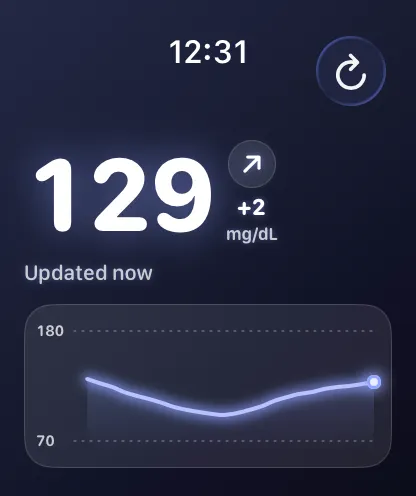
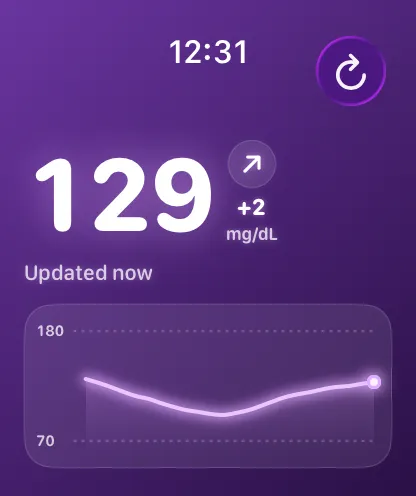
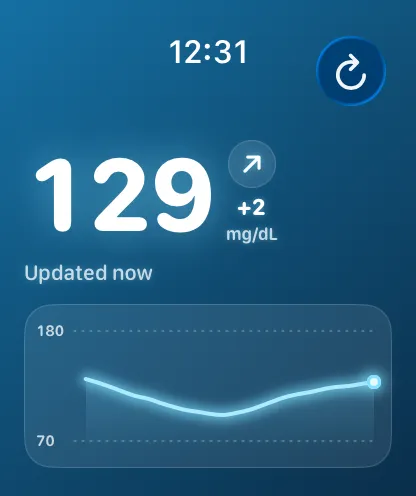
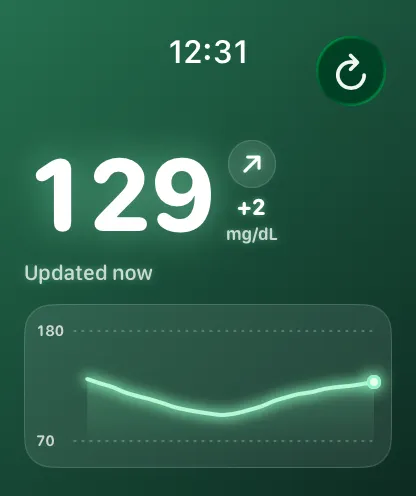
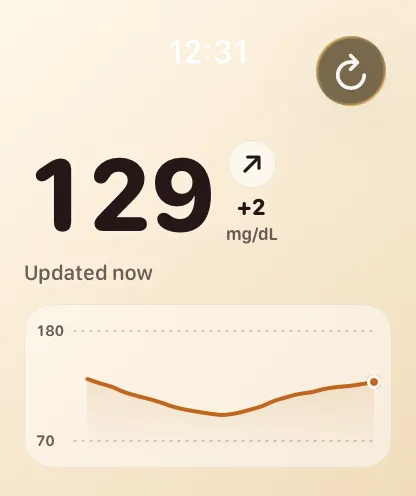
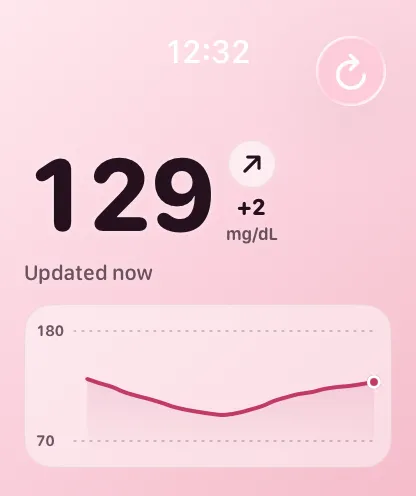
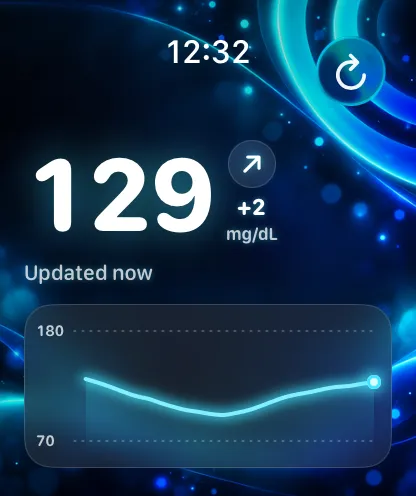
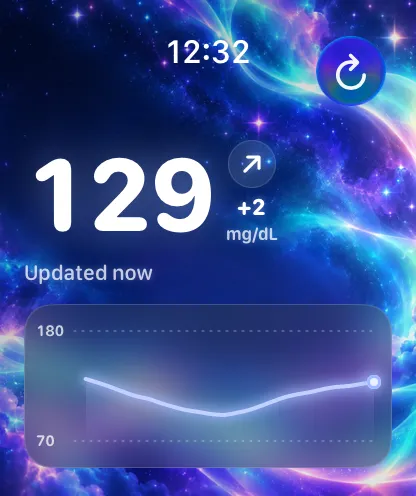
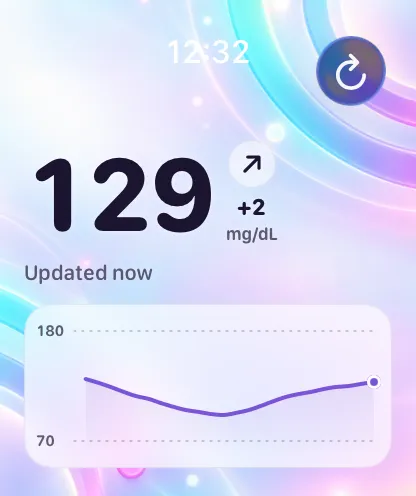
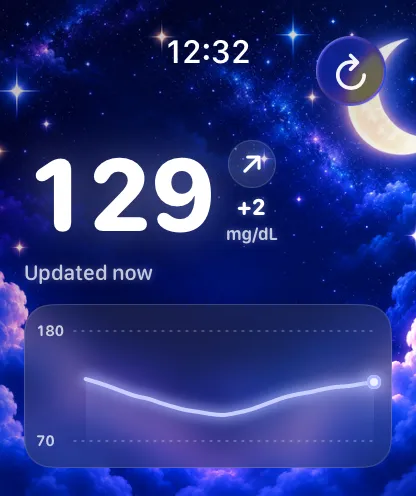
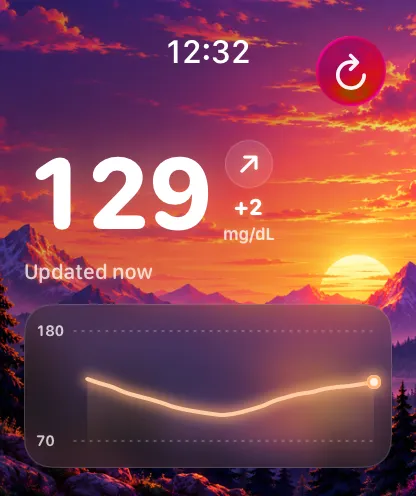
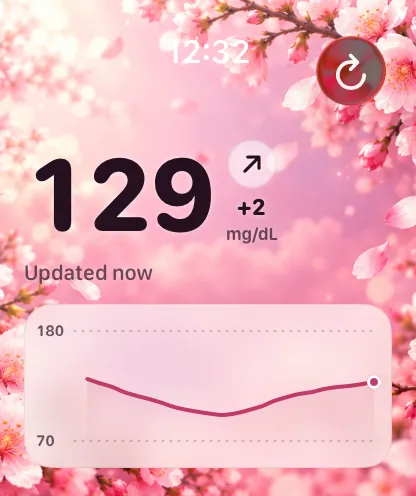
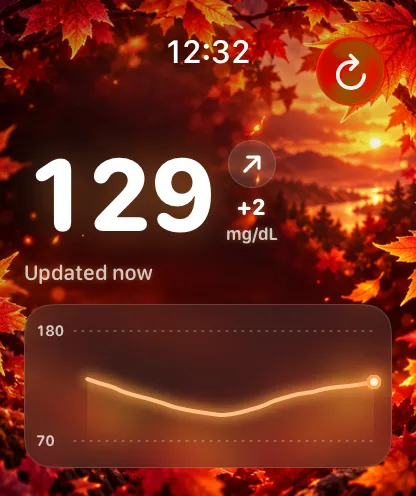
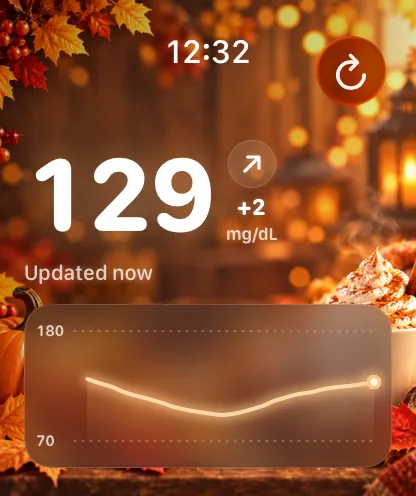
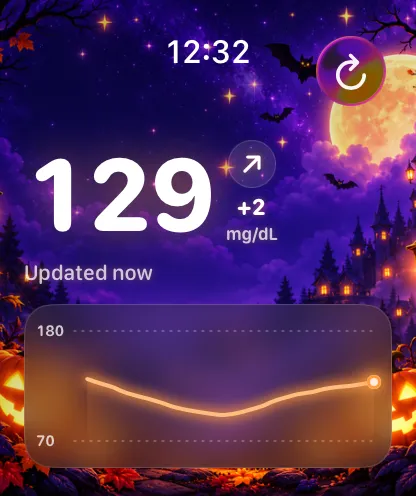
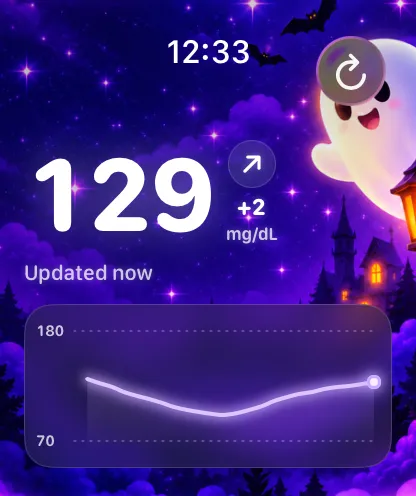
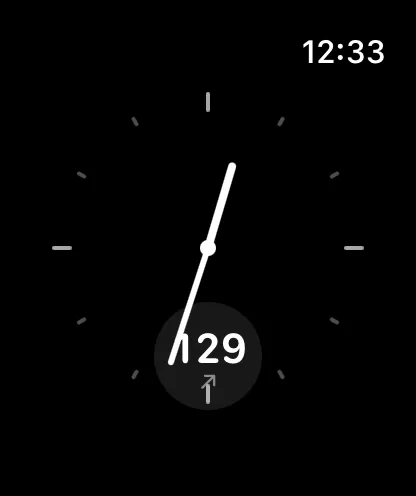
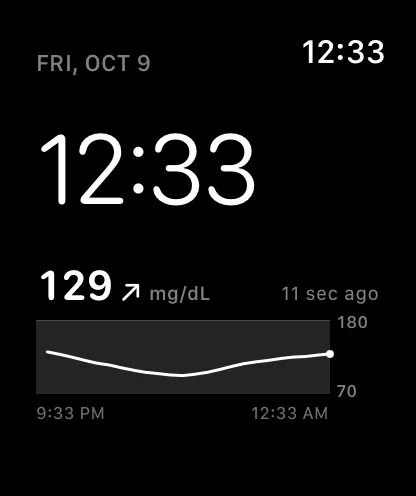
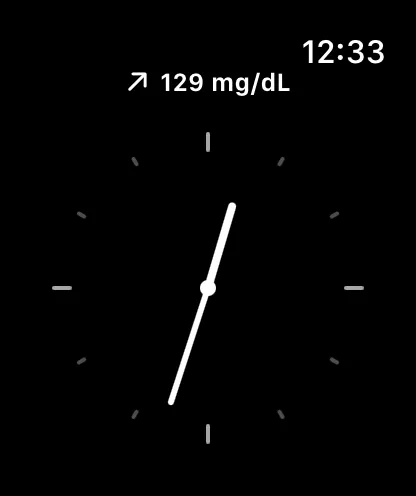
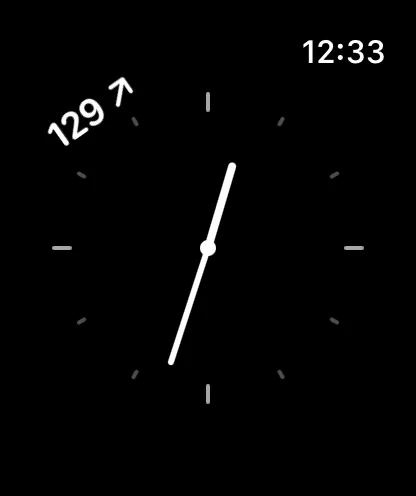
Turn the crown, or use the arrows to explore.
Actual app preview · Sample data
Check the displayed reading age. Widgets and complications receive updates on iOS and watchOS schedules, so readings may be delayed.
Your official Libre app stays connected to your sensor and uploads your readings.
Sign in with a LibreLinkUp follower account that’s receiving your glucose data.
Give Glucose Connect permission to write blood glucose readings to Apple Health.
iPhone with iOS 18+ · Libre 3 or 3+ & LibreLinkUp · Optional Apple Watch with watchOS 11+
An iPhone running iOS 18 or later, a Libre 3 or Libre 3+ sensor, the official Libre app installed and running on the same iPhone, and a LibreLinkUp follower account receiving your readings. The optional Watch app requires watchOS 11 or later.
Use your LibreLinkUp follower account, not the Libre or LibreView account paired with your sensor. Set up sharing in the official Libre app and accept the invitation in LibreLinkUp first.
Glucose Connect uses the sensor’s Bluetooth heartbeat to trigger background fetches from LibreLinkUp. Updates still depend on Bluetooth, internet access, Abbott’s services, and when iOS allows the app to run. Keep the official Libre app running.
They show the most recent readings available to them. iOS and watchOS control when background updates happen, so a widget or complication can lag behind. Check the displayed reading age; updates are not guaranteed to be immediate.
Yes! The public beta is open on TestFlight. Use any Join the beta link on this page, open the invitation on your iPhone, and follow the prompts to install TestFlight and Glucose Connect. Features may change during the beta.
Use Send Beta Feedback in TestFlight to share what worked, what felt confusing, or anything that went wrong. Your feedback helps shape Glucose Connect.

The public beta is open. Be part of what comes next.
Join the beta on TestFlightFor iPhone with iOS 18+ and optional Apple Watch.